KVM Spin Ups | Infrastructure as Code Automation
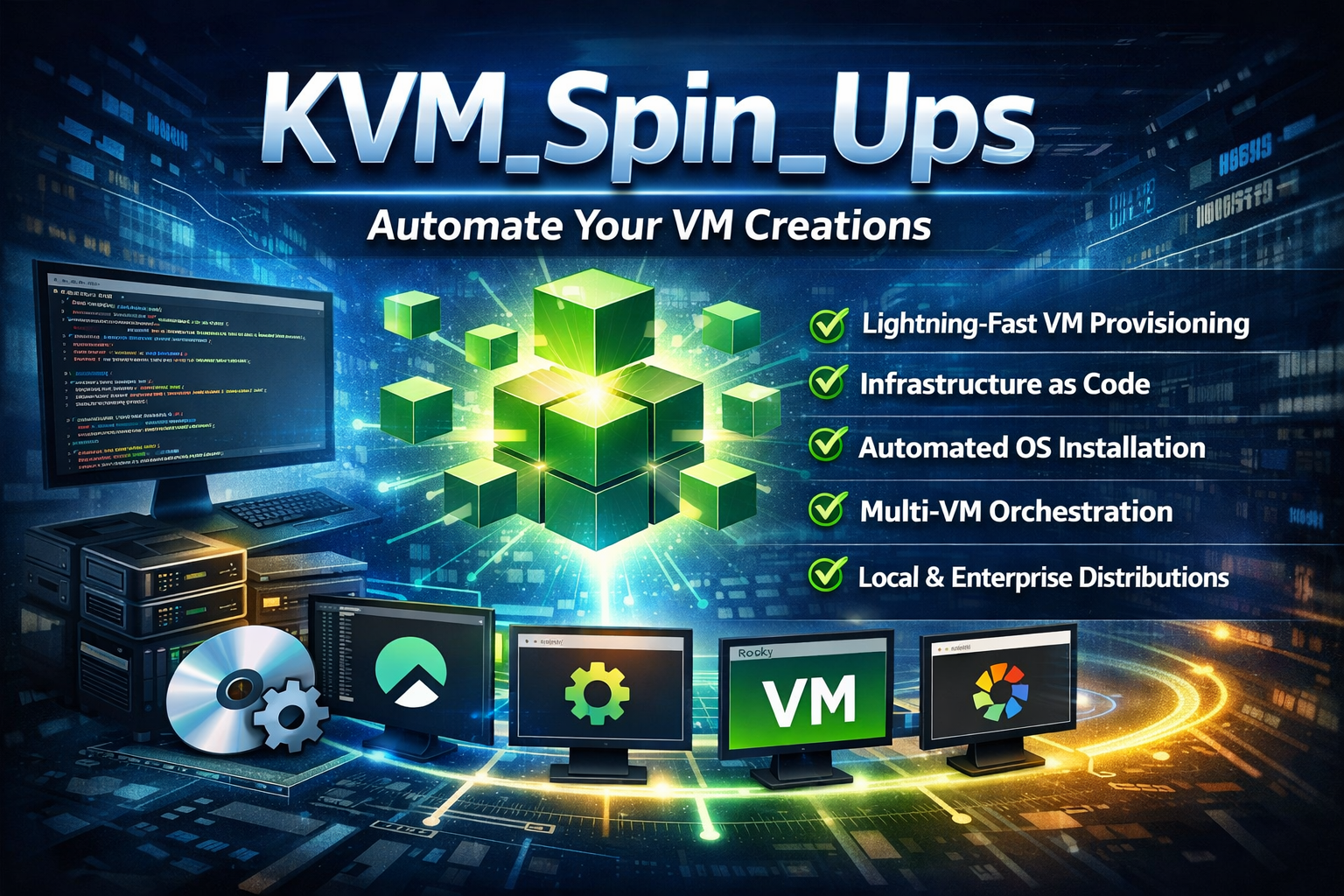
🖥️ KVM_Spin_Ups
Automated Infrastructure as Code (IaC) for KVM Virtual Machines Zero-to-VM in minutes with automated provisioning and configuration





🚀 What is KVM_Spin_Ups?
KVM_Spin_Ups is a DevOps-ready automation tool that transforms your Linux workstation into a powerful virtualization platform. It enables rapid, repeatable VM provisioning using Infrastructure as Code principles with minimal setup overhead.
Key Benefits for DevOps Engineers:
- ✅ Lightning-fast VM provisioning - From zero to running VM in under 10 minutes
- ✅ Infrastructure as Code - Declarative VM specifications with reproducible results
- ✅ No cloud costs - Run VMs locally with full control over resources
- ✅ Automated OS installation - Kickstart-based provisioning with no manual intervention
- ✅ Multi-VM orchestration - Create complete test environments with a single command
- ✅ Production-like environments - Use enterprise-grade distributions (Rocky Linux, AlmaLinux)
🎯 Perfect For These DevOps Scenarios
| Use Case | Description | Benefit |
|---|---|---|
| CI/CD Pipeline Testing | Spin up disposable test environments | Isolated, consistent testing environments |
| Infrastructure Automation | Test Ansible, Terraform, Puppet scripts | Local validation before production deployment |
| Multi-Node Cluster Simulation | Create Kubernetes, database, or HA clusters | Test clustering and orchestration locally |
| Learning & Training | Hands-on experience with enterprise Linux | No cloud costs, full control |
| Disaster Recovery Testing | Practice backup/restore procedures | Safe, isolated environment |
🛠️ Architecture & Technology Stack
Core Components
graph TD
    A[User Input] --> B[KVM_Spin_Ups Launcher]
    B --> C[VM Configuration]
    C --> D[ISO Management]
    D --> E[Kickstart Generation]
    E --> F[HTTP Server]
    F --> G[VM Provisioning]
    G --> H[Installation Monitoring]
    H --> I[Ready VMs]

    J[Common Functions] --> B
    K[Validation] --> C
    L[Distros] --> G
    M[Templates] --> E
Technology Stack
- Virtualization: KVM/QEMU with Libvirt API
- Automation: Kickstart for unattended OS installation
- Scripting: Pure Bash with modular architecture
- Networking: NAT with DHCP and HTTP server for kickstart delivery
- Security: Encrypted password hashes, firewall configuration
🚀 Quick Start for DevOps Engineers
Prerequisites
# Ubuntu/Debian
sudo apt install qemu-kvm libvirt-daemon-system libvirt-clients virtinst bridge-utils curl python3

# RHEL/CentOS/Rocky/AlmaLinux
sudo dnf install @virtualization virt-install libvirt curl python3

# Add user to required groups
sudo usermod -a -G libvirt,kvm $USER
newgrp libvirt  # Or log out and back in
Installation & Execution
# Clone the repository
git clone https://github.com/AhmadMWaddah/KVM-Spin-Ups.git
cd KVM-Spin-Ups

# Make executable and run
chmod +x src/KVM_Spin_Ups.sh
bash src/KVM_Spin_Ups.sh
Example VM Configuration
VM Count: 3
VM #1:
  Distribution: Rocky Linux 9.7
  Hostname: web-server-01
  RAM: 2048 MB
  vCPUs: 2
  Disk: 30 GB
  Timezone: UTC
  User: ops
  Access: SSH + virsh console

VM #2:
  Distribution: AlmaLinux 10.1
  Hostname: db-server-01
  RAM: 4096 MB
  vCPUs: 2
  Disk: 50 GB

VM #3:
  Distribution: Rocky Linux 9.7
  Hostname: app-server-01
  RAM: 3072 MB
  vCPUs: 2
  Disk: 40 GB
🐧 Supported Distributions
| Distribution | Version | Use Case | Notes |
|---|---|---|---|
| Rocky Linux | 9.7 | Production-like EL | RHEL-compatible, enterprise-grade |
| AlmaLinux | 10.1 | Latest EL features | Community-driven, cloud-ready |
⚙️ VM Configuration Options
Customizable Parameters
- Hostname - Unique identifier for the VM
- RAM - 1024MB to 16384MB (1GB to 16GB)
- vCPUs - 1 to 16 virtual CPUs
- Disk Size - 10GB to 500GB storage
- Timezone - Any valid timezone (default: Africa/Cairo)
- User Management - Custom user passwords with sudo access
- Network - NAT with DHCP (192.168.122.0/24)
Default Configuration
- User:
opswith passwordless sudo - Access: SSH and virsh console
- Security: Root login disabled via SSH, firewall enabled
- Timezone: Africa/Cairo (configurable)
Advanced Configuration (CI/CD)
- KVM_SPIN_UPS_ROOT: Override project root directory detection
bash
  export KVM_SPIN_UPS_ROOT="/path/to/project"
🔧 DevOps Integration
VM Management Commands
# List all VMs
virsh list --all

# Start/Stop VMs
virsh start vm-name
virsh shutdown vm-name
virsh destroy vm-name  # Force stop

# Access VM console
virsh console vm-name

# Get VM IP address
virsh net-dhcp-leases default

# SSH access
ssh ops@vm-ip-address
Automation Examples
# Wait for VM to be accessible
while ! ssh -o ConnectTimeout=5 ops@vm-ip 'true' 2>/dev/null; do
  sleep 5
  echo "Waiting for VM to be ready..."
done

# Deploy configuration after VM creation
ssh ops@vm-ip 'sudo yum install -y ansible'
scp playbook.yml ops@vm-ip:~/
ssh ops@vm-ip 'ansible-playbook playbook.yml'
📁 Project Structure
KVM_Spin_Ups/
├── README.md                    # This file
├── LICENSE                      # MIT License
├── INSTALLATION_Guide.md        # Detailed setup instructions
├── Debugging.md                 # Troubleshooting guide
├── src/                         # Source code
│   ├── KVM_Spin_Ups.sh          # Main launcher script
│   ├── common-functions.sh      # Shared utilities
│   ├── validation-functions.sh  # Input validation
│   ├── distros-installers/      # Distribution-specific installers
│   │   ├── rocky-linux-installers.sh
│   │   └── alma-linux-installers.sh
│   └── templates/                # Kickstart templates
│       ├── rocky-ks.cfg.template
│       └── alma-ks.cfg.template
├── docs/                         # Documentation
│   └── architecture.md
├── examples/                     # Usage examples
│   └── basic-usage.md
├── iso/                          # Downloaded ISOs
├── mounts/                       # Mount points for ISO extraction
├── vms/                          # VM disk images
└── tests/                        # Test scripts
🛡️ Security & Best Practices
Security Features
- Encrypted Passwords: SHA-512 hashed passwords using Python crypt
- Restricted Root Access: Root login disabled via SSH
- Firewall Configuration: Automatic firewall setup with SSH allowed
- Isolated Network: NAT network prevents direct external access
DevOps Best Practices Implemented
- Idempotency: Safe to run multiple times without side effects
- Configuration Management: Template-based kickstart files
- Infrastructure as Code: Declarative VM specifications
- Automated Provisioning: No manual intervention required
- Resource Management: Configurable resource allocation
🚨 Troubleshooting
Common Issues & Solutions
Permission Issues
# Check group membership
groups | grep libvirt

# Add user to groups if missing
sudo usermod -a -G libvirt,kvm $USER
newgrp libvirt
Virtualization Not Available
# Check CPU support
egrep -c '(vmx|svm)' /proc/cpuinfo  # Should return > 0

# Load KVM modules
sudo modprobe kvm
sudo modprobe kvm_intel  # or kvm_amd for AMD
VM Access Issues
# Get VM IP
virsh net-dhcp-leases default

# Access via console
virsh console vm-name

# Check VM state
virsh domstate vm-name
Getting Help
- Check
INSTALLATION_Guide.mdfor detailed troubleshooting - Review
Debugging.mdfor common error patterns - File issues on GitHub with system details and error messages
🤝 Contributing
Development Guidelines
- Fork the repository
- Create a feature branch (
git checkout -b feature/amazing-feature) - Implement your changes with proper error handling
- Test thoroughly across supported distributions
- Document new features or changes
- Submit a pull request with clear description
Areas Needing Contributions
- [ ] Additional distribution support (Ubuntu, Debian, Fedora)
- [ ] Advanced networking options (bridged, custom networks)
- [ ] VM snapshot and backup functionality
- [ ] Integration with configuration management tools
- [ ] Enhanced monitoring and metrics
📈 Roadmap
Q1 2025
- [ ] Cloud-init support for advanced configuration
- [ ] Integration with Ansible for post-install configuration
- [ ] VM cloning and template creation
- [ ] Enhanced security options (custom SSH keys)
Q2 2025
- [ ] Support for additional distributions (Ubuntu, Debian, Fedora)
- [ ] Web-based management interface
- [ ] VM backup and restore functionality
- [ ] Integration with monitoring tools
Q3 2025
- [ ] Multi-host orchestration
- [ ] Container integration (Podman/LXC)
- [ ] High availability cluster simulation
- [ ] Performance monitoring and reporting
📄 License
This project is licensed under the MIT License - see the LICENSE file for details.
🙏 Acknowledgments
- The KVM and libvirt projects for providing robust virtualization technology
- The Rocky Linux and AlmaLinux communities for enterprise-grade distributions
- The DevOps community for inspiration and best practices
- All contributors who help improve this tool
🎉 Ready to Transform Your DevOps Workflow?
KVM_Spin_Ups bridges the gap between development and operations by providing production-like environments on your local hardware. Whether you're testing infrastructure automation, simulating multi-node clusters, or learning enterprise Linux distributions, KVM_Spin_Ups provides the foundation for effective DevOps practices.
Start your first VM in minutes, not hours.
Made with ❤️ by the open-source community for DevOps engineers worldwide